 TaleArt docs
Theme and fonts
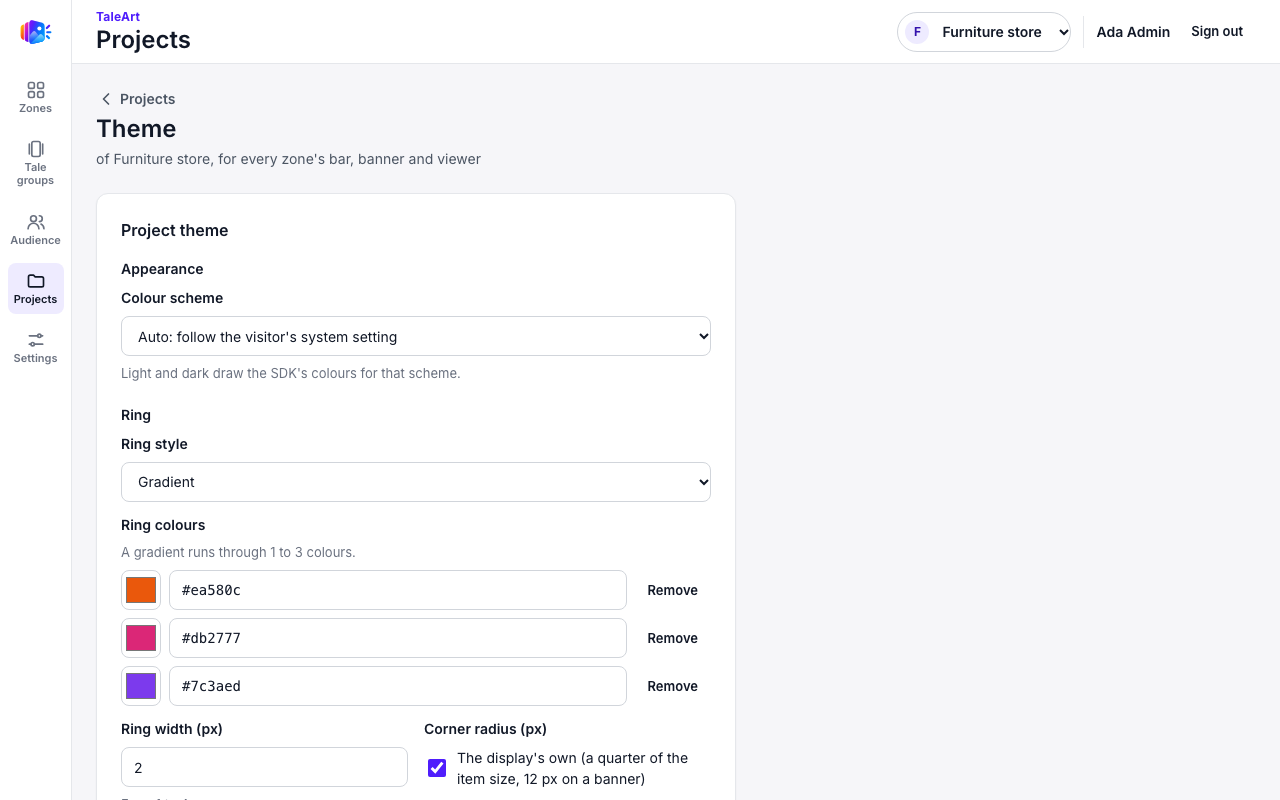
The theme sets how bars and banners look. Open Projects, then Theme for a project.
Fields
| Field | Values |
|---|---|
| Ring style | gradient, solid or none |
| Ring colours | 1 to 3 colours |
| Seen ring colour | the ring after a group was viewed |
| Ring width | 1 to 4 px |
| Corner radius | 0 to 32 px, or the display's own |
| Font family | a system font or a project font |
| Title colour | |
| Background colour | |
| Accent colour | |
| Colour scheme | auto (the visitor’s setting), light or dark |
| Live colour | #rrggbb, or null for the last ring colour |
| Success colour | #rrggbb: a right quiz answer |
| Error colour | #rrggbb: a wrong quiz answer |
Colour scheme
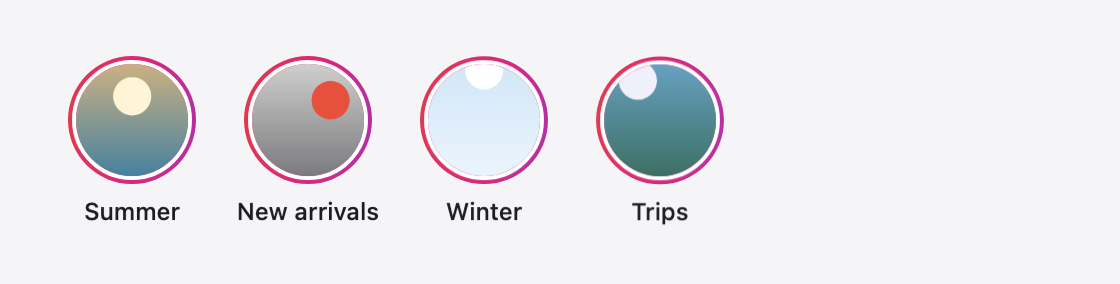
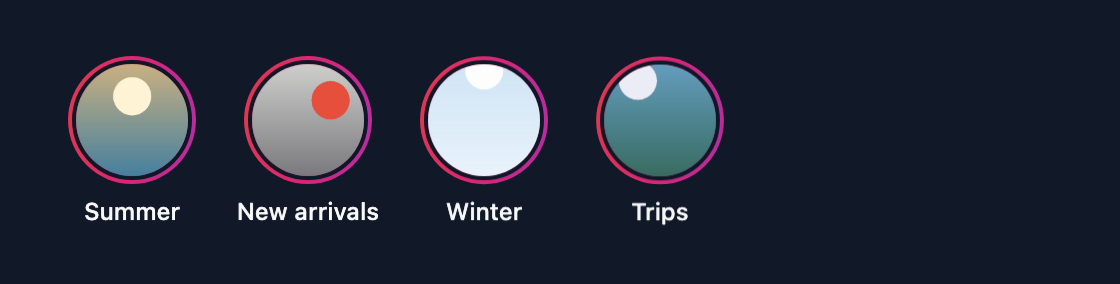
With Colour scheme at auto (the default), the display draws its card and text in the light or the dark scheme the visitor's device uses; light and dark force one. The title takes the host page's text colour unless a title colour is set, so the same bar reads on a light page and on a dark one.
How colours are derived
A display never uses a colour that is not in the theme or derived from it. The SDK sets these tokens from the fields above; a component reads them, so changing one field changes every place that uses it.
| Token | Source | Rule |
|---|---|---|
--ta-ring | ringColors, ringStyle | A gradient at 45° through up to three colours; solid the first colour; none transparent. |
--ta-seen | seenRingColor | The ring after a group was viewed. Transparent with none. |
--ta-accent | accentColor | The viewer’s progress and buttons. |
--ta-on-accent | accentColor | Text on the accent: white or near-black, whichever has the higher contrast with it. |
--ta-title | titleColor | The title. Unset (null): the host page’s text colour. |
--ta-muted | the title (or the host page’s colour) | The title at 65 %: dots, borders and secondary text. |
--ta-surface | backgroundColor | The background. Transparent: the title at 6 %. |
--ta-live | liveColor, else the last ring colour | The live badge. |
--ta-success, --ta-error | successColor, errorColor | A right and a wrong quiz answer, as the colour itself. |
--ta-success-ink, --ta-error-ink | the two colours and the colour scheme | The answer mark on the card of the scheme in use: the colour itself on light, lightened until it reads at 4.5:1 on the dark card. |
--ta-paper, --ta-ink | colorScheme | The card and its text: white and near-black on light, near-black and white on dark. auto follows the visitor’s light or dark setting. |
Which value wins
A value is read from the most specific place that sets it: the element's theme attribute, then configureZone in the page's script, then the project theme, then the default. Examples are on Install a zone.
Project fonts
Projects, then Fonts. Upload a WOFF2 file (at most 500 KB), give it a family name, weight and style, and confirm you may use and distribute it. Tale Studio and the SDK can then use the family. Text shows in the fallback font until the font has loaded.