 TaleArt docs
Install TaleArt locally
Requirements
- Node.js 22 or later (the API refuses to start without it; see the root README).
- A PostgreSQL database. The API defaults to
postgres://taleart:taleart@localhost:5432/taleart; setDATABASE_URLto use another one. - The repo's npm dependencies:
npm ci.
Run it
The repo README documents:
npm ci
npx nx serve dashboard   # documented, not executed for this guide
This starts the API (port 3333) and the dashboard (port 4200); the dashboard proxies /api to the API. Sign-in redirect and passkeys use http://localhost:4200 by default (RP_ID, RP_ORIGIN).
What was actually tested
npm ci(Node 22).- PostgreSQL on localhost:5432 with user, password and database
taleart(the API's default). npx nx build api, thennode dist/apps/api/main.js(API on port 3333).npx nx build dashboard --configuration=development, served as static files on port 4200 with/api,/deliveryand/sdkforwarded to port 3333.npx nx serve dashboarditself was not completed: the Gradle Nx plugin needs JVM 17 or later and the test machine had JVM 11. Passkey creation was done with a browser's virtual authenticator.
First-run setup
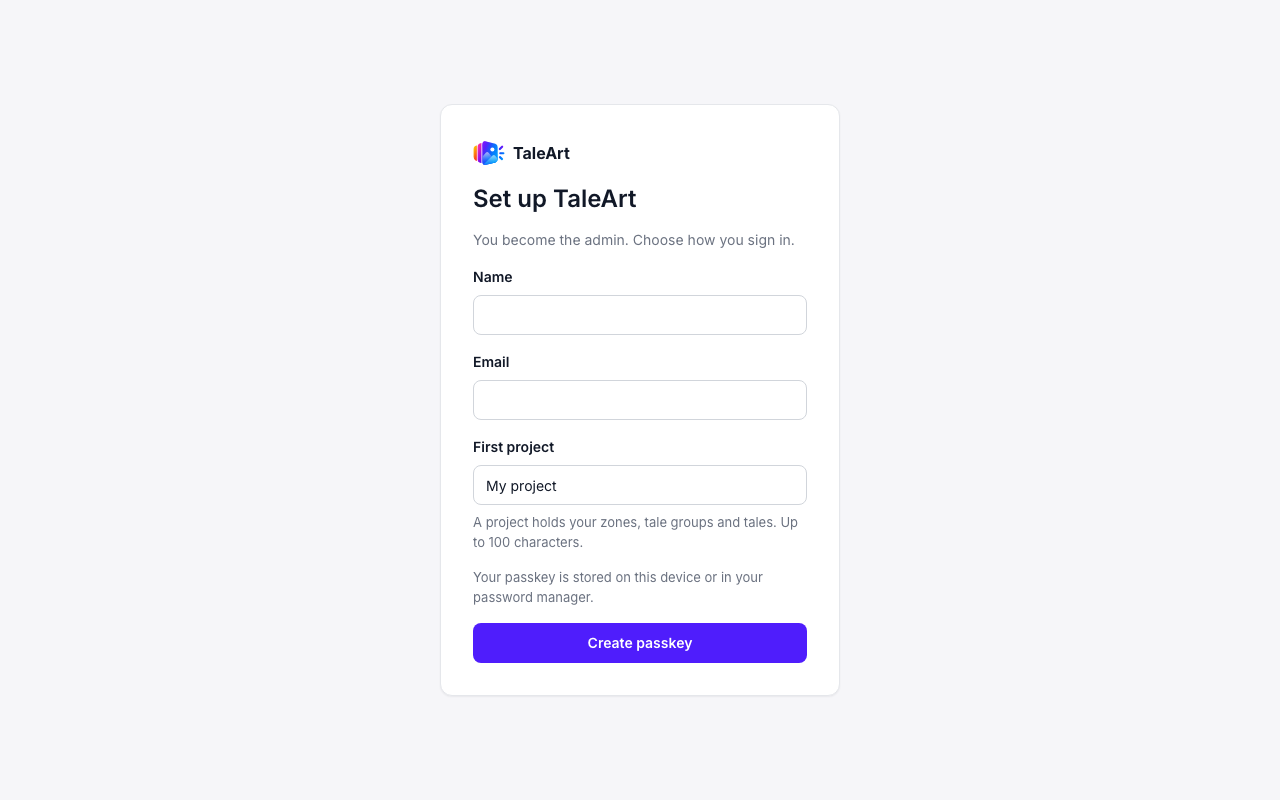
The first screen creates the admin and your first project. You give a name, an email and a project name, then create a passkey (stored on your device or in your password manager), or a username and password if your server has TALEART_SETUP_PASSWORD=true.
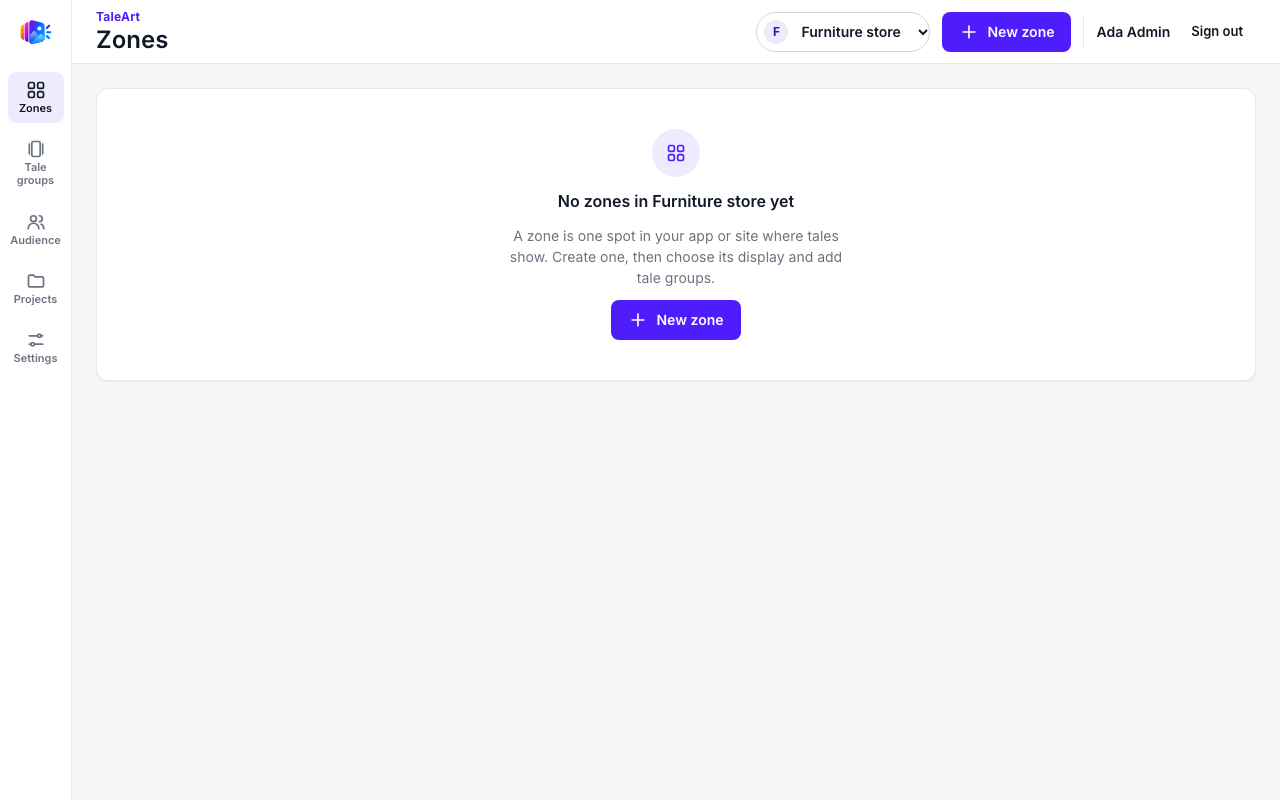
After setup you land on the Zones page of your new project.