 TaleArt docs
Connect a website
Issue the zone key
Open the zone, then the Install tab, then Issue zone key. The key (tak_...) is shown once. It opens only that zone and sits in page HTML, so it is not a secret. If you lose it, rotate it.
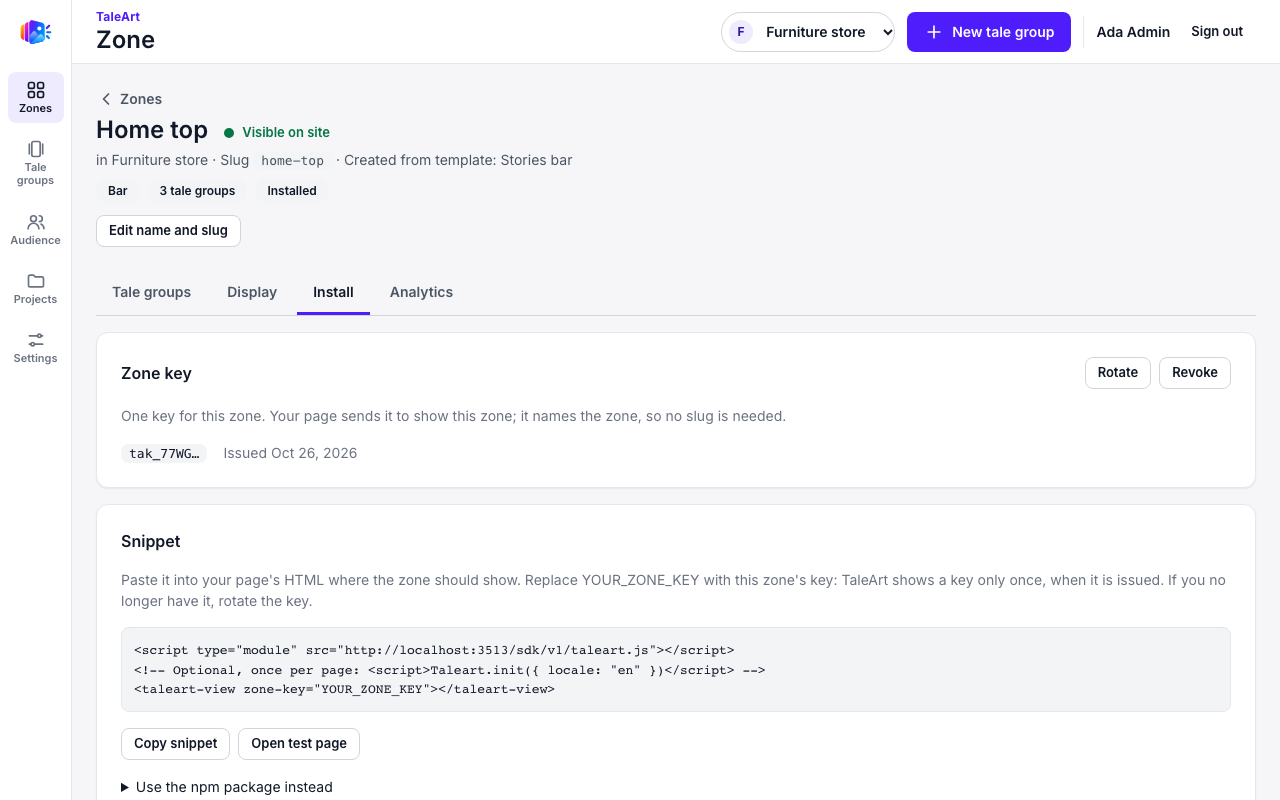
Paste the snippet
<script type="module" src="http://localhost:3333/sdk/v1/taleart.js"></script>
<taleart-view zone-key="YOUR_ZONE_KEY"></taleart-view>
Replace the URL with your API's public URL and YOUR_ZONE_KEY with the issued key. Load the script once; place one element per zone, each with its own key. The Web guide covers the global setup, languages and hooks.
A complete example page is in demo-furniture-site.html. Serve it from any static server, for example python3 -m http.server.
What visitors see
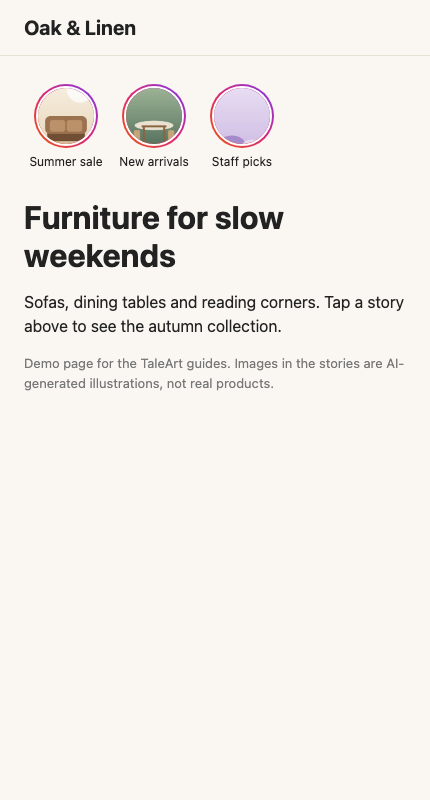
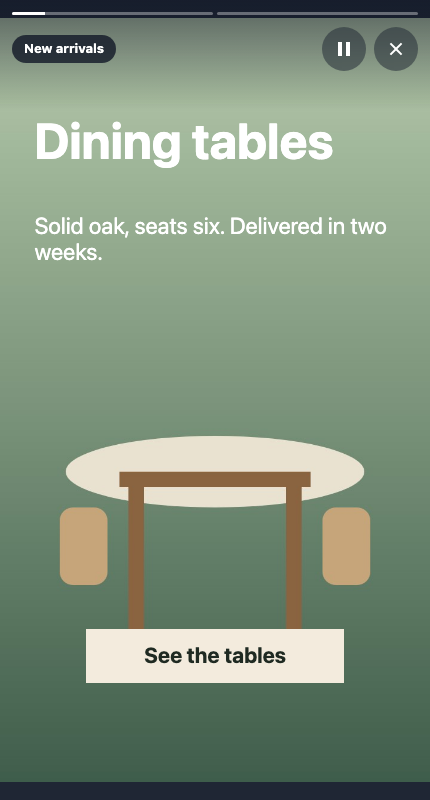
The bar shows one circle per tale group. Tapping a circle opens the full-screen viewer.
Test before you publish
<api-url>/sdk/v1/test-page?zone=home-top renders a zone with the SDK and asks for its zone key. Details are in the Web guide.