 TaleArt docs
Projects, team and sign-in
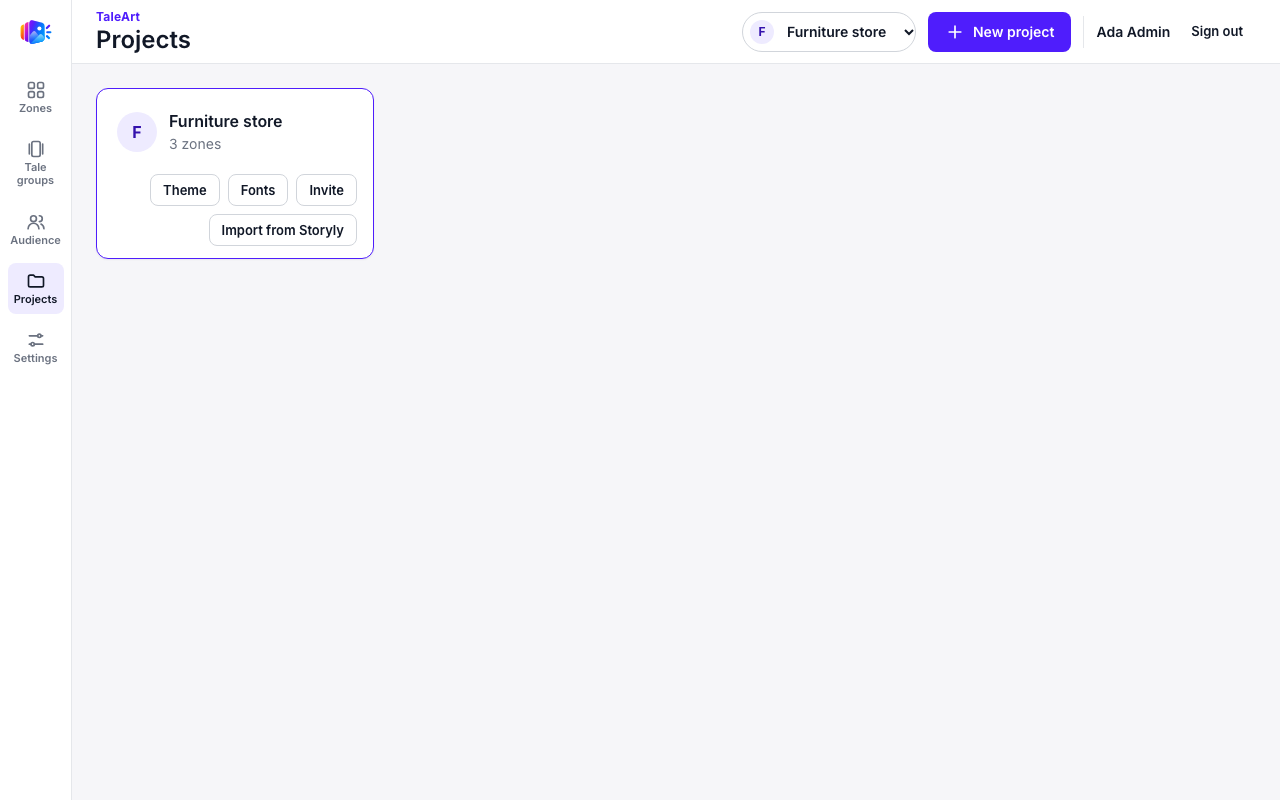
A project holds zones, tale groups, themes, fonts, user lists and one site key (for server-side callers). Most teams have one project per site or brand.
Sign-in
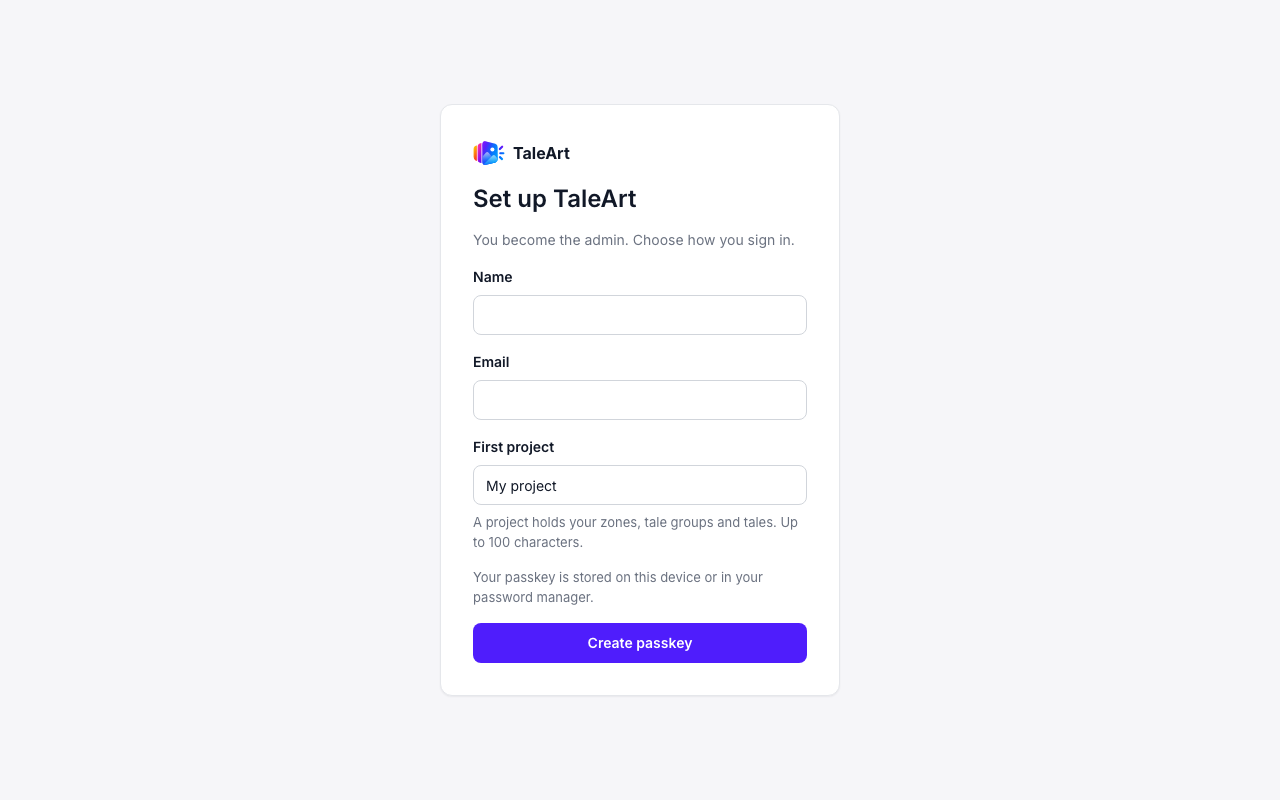
People sign in with a passkey, a username and password, or a provider such as Google or Apple, for each method an admin has turned on. The first screen creates the admin and the first project. Nobody can sign up on their own: people join by invitation, and a provider never creates an account by itself. See the sign-in methods guide.
Invite people
An admin invites a person from the project's Invite button. The invite link is /invite/<token> and expires after 7 days. The person joins with a passkey, a username and password, or a provider whose verified email matches the email they type on the invitation page.
Settings
Settings holds your API tokens.
Switching projects
The project picker in the header changes which project the dashboard shows. New project creates another one.