 TaleArt docs
Tale groups and tales
A tale group is one circle in a bar (or one card in a banner). A tale is one full-screen page inside a group. A visitor taps a group and moves through its tales.
Create a group
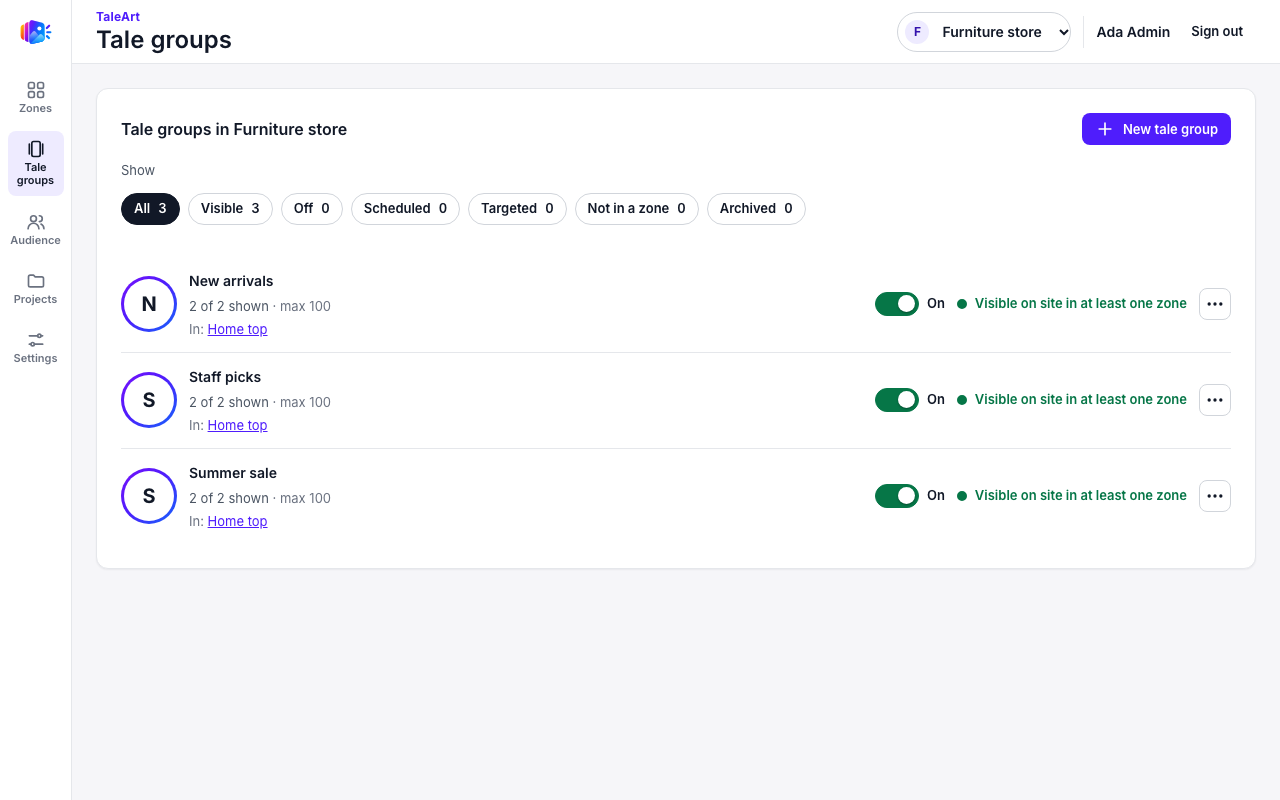
Tale groups, then New tale group. Name it and upload images or videos. Each file becomes one tale. New tales are Shown. New groups are Off: turn the group On to publish it.
Group states
| State | Meaning |
|---|---|
| Draft (Off) | Not shown anywhere. Every new group starts here. |
| Live (On) | Shown in each zone it is placed in, if the other conditions hold. |
| Paused | Kept in its zones but not shown. |
| Archived | Removed from every list and from the site. |
The filter chips on the list (All, Visible, Off, Scheduled, Targeted, Not in a zone, Archived) count groups by state.
The group menu
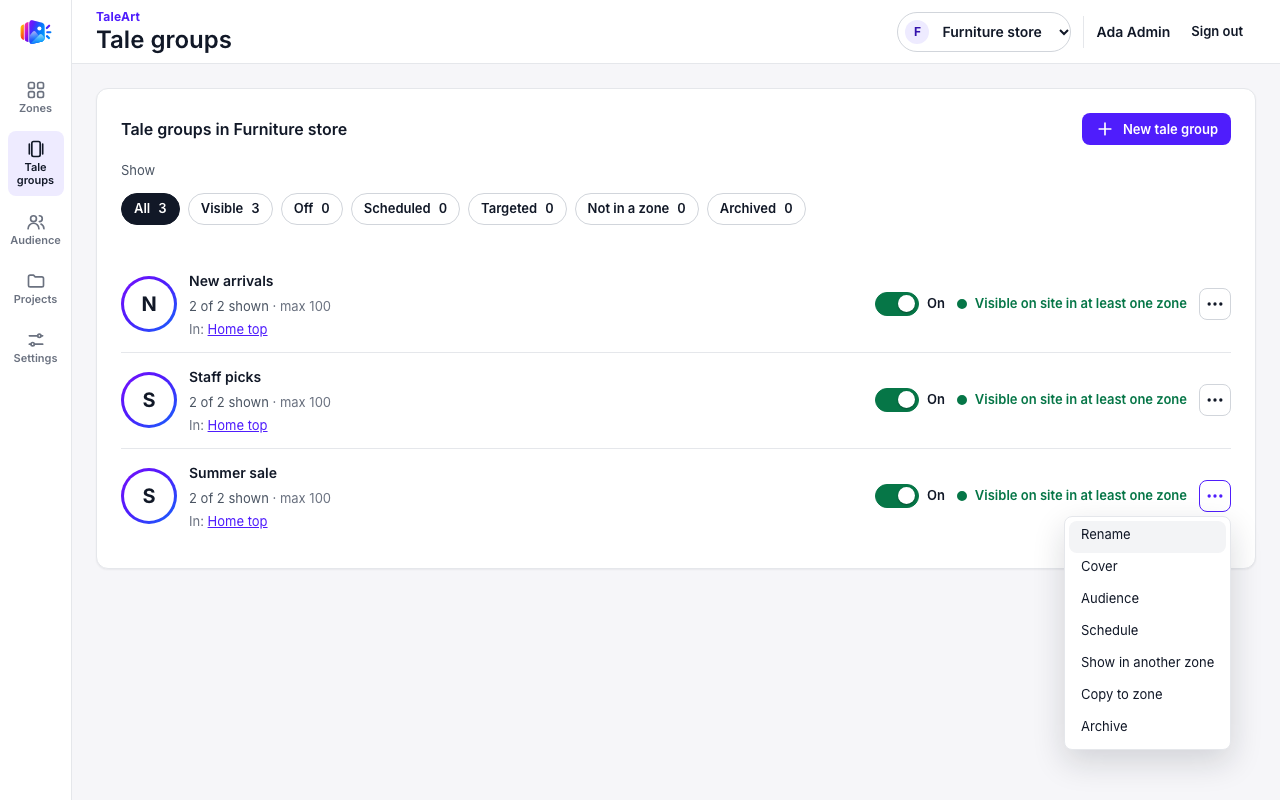
The ... menu on each group has:
- Rename and Cover: a still image, or an animated cover of at most 300 KB.
- Audience: tags, user lists and viewer properties. See Targeting.
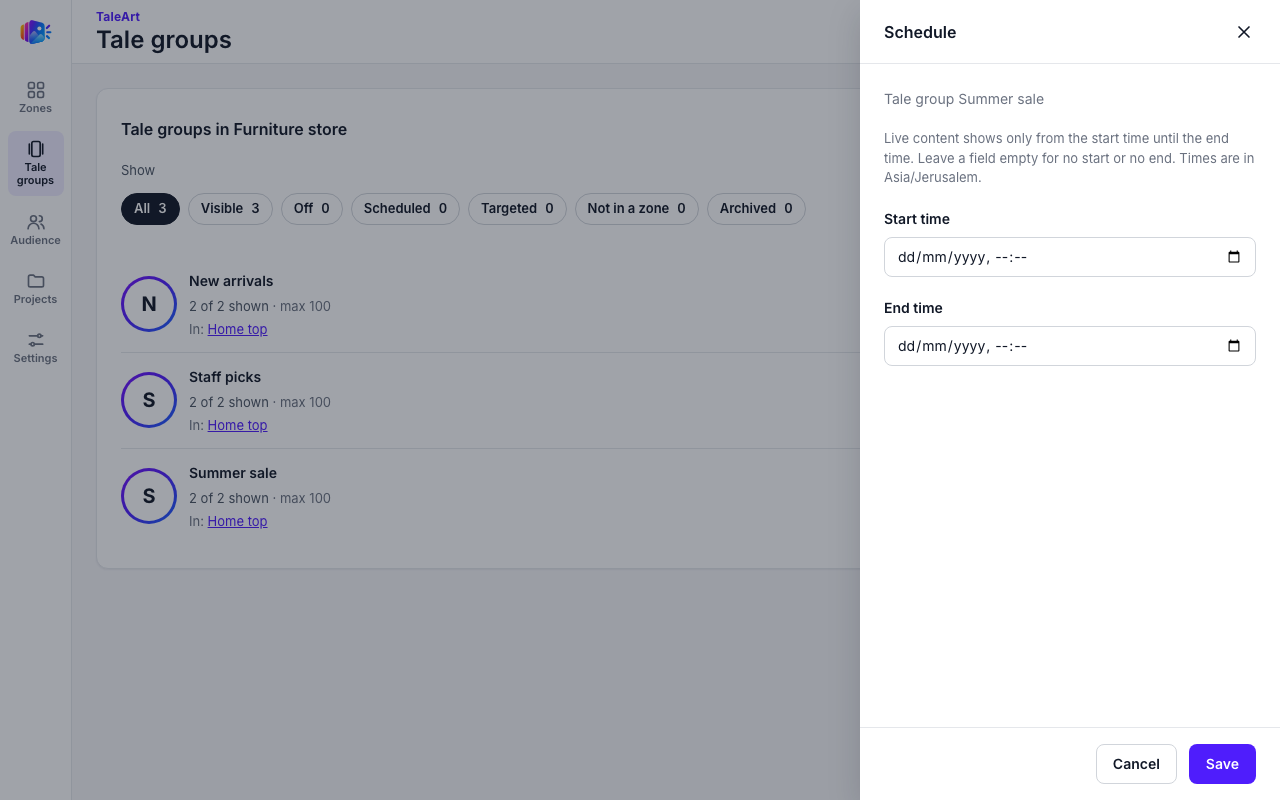
- Schedule: a start and an end time. Leave a field empty for no start or no end. The panel shows the time zone it uses.
- Show in another zone: place the same group in more than one zone. An edit shows in every zone.
- Copy to zone: make an independent copy. Later edits do not carry over.
- Archive.
Tales
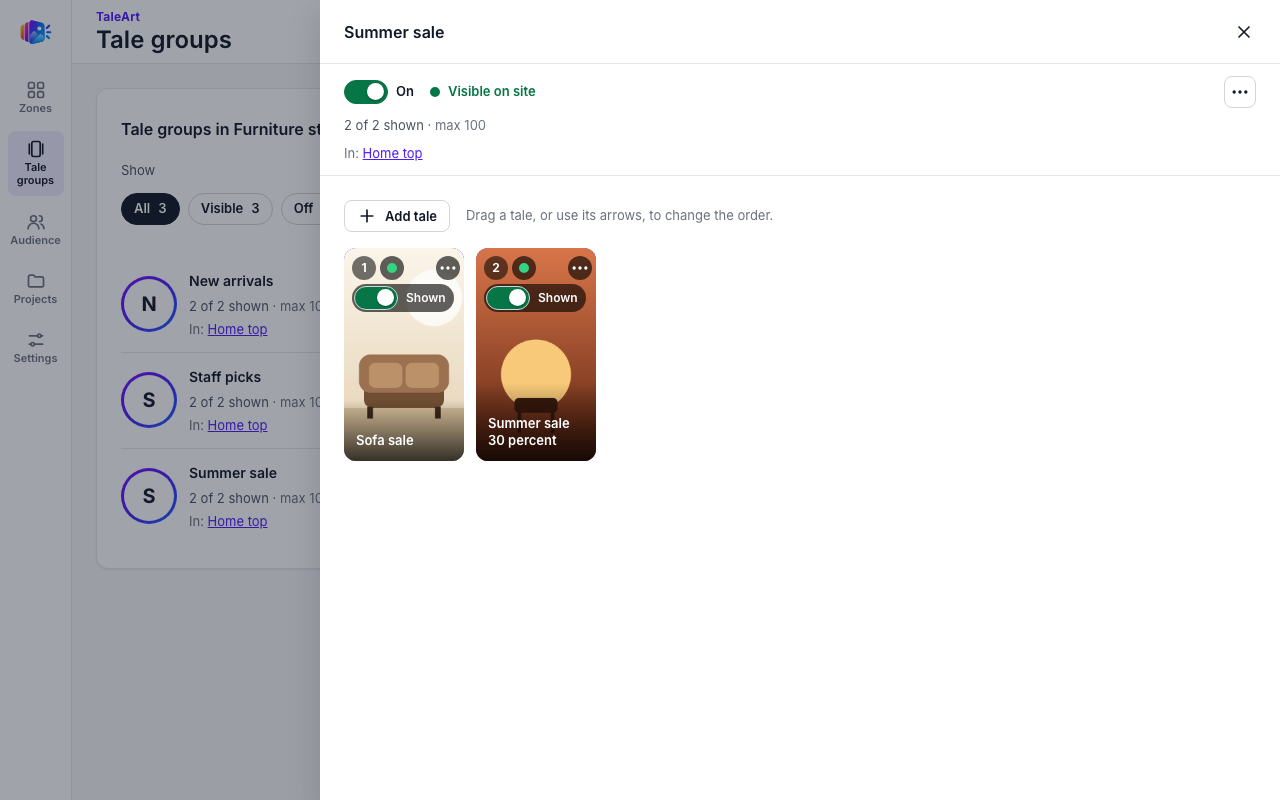
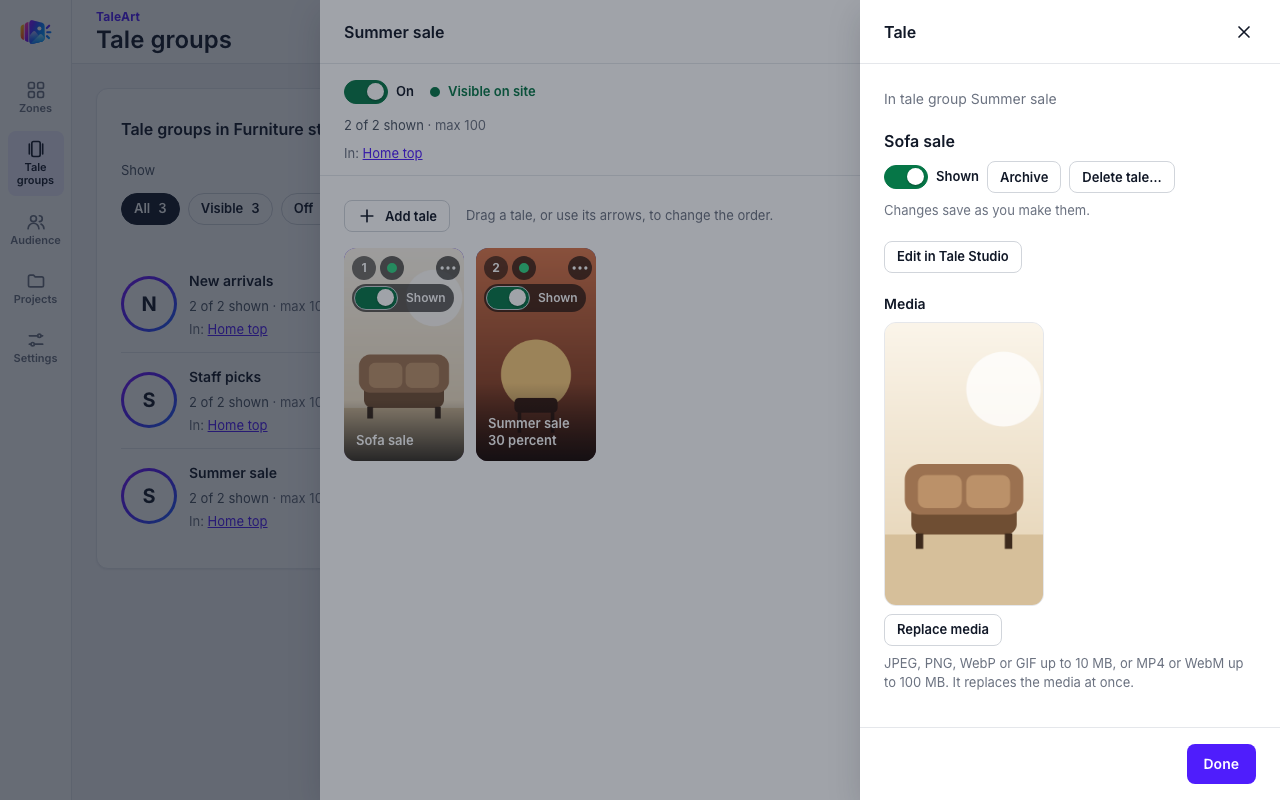
Open a group to see its tales. Use Add tale to add more. Click a tale to open its panel: Shown or Hidden, Archive, Delete, Replace media and Edit in Tale Studio. Reorder groups and tales by dragging. A tale can have its own schedule too.
Limits
| What | Limit |
|---|---|
| Tales per group | 100 |
| Tale groups per project | 500 |
| Image upload | 10 MB |
| Video upload | 100 MB |
| Animated cover | 300 KB |